Designed to prioritize identity. AI may add plausible details not in the original.

Restore Old Face Photos with AI

Improve clarity in blurry, faded, or damaged faces — designed to prioritize identity preservation.

Results are best-effort; identity is prioritized but not guaranteed.

Restore a photo
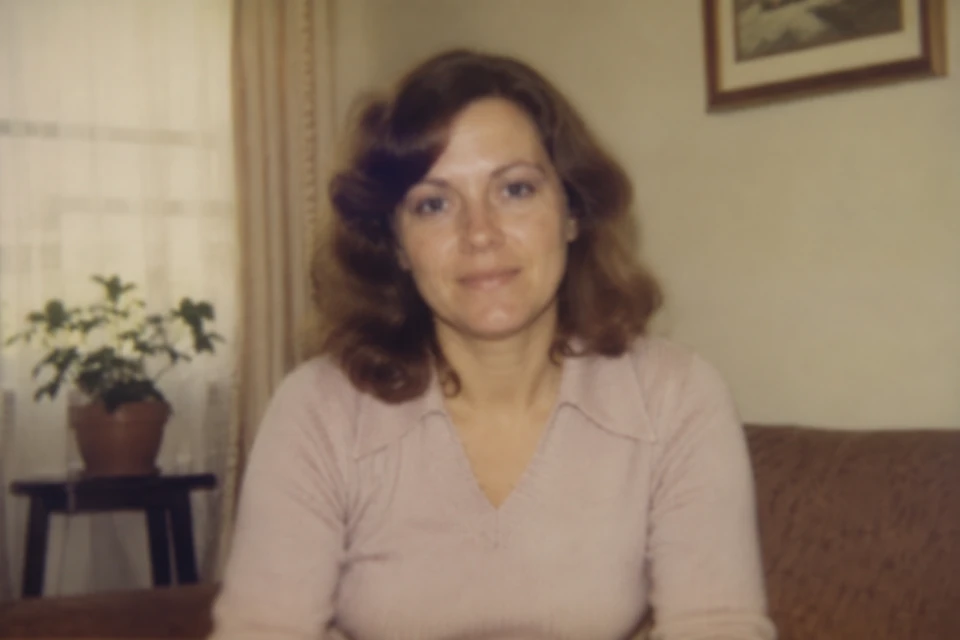
After (best-effort restoration)
Before (illustrative simulated degradation)

Restore a photo

Photo file only. 1 free preview per IP · no sign-up · up to 1024px · small watermark · one-time only, never refreshes

See monthly plans

I confirm I have the right to upload and process this image. AI restoration may add plausible details not in the original. The Service is not for ID, legal, or immigration use.

One free preview per IP · no sign-up · up to 1024px · small watermark · one-time only, never refreshes

I confirm I have the right to upload and process this image. AI restoration may add plausible details not in the original. The Service is not for ID, legal, or immigration use.

See the difference

Each example below is a synthetic, lab-validated, or partner-provided sample. AI restoration may add plausible details not in the original. Identity is prioritized but not guaranteed.

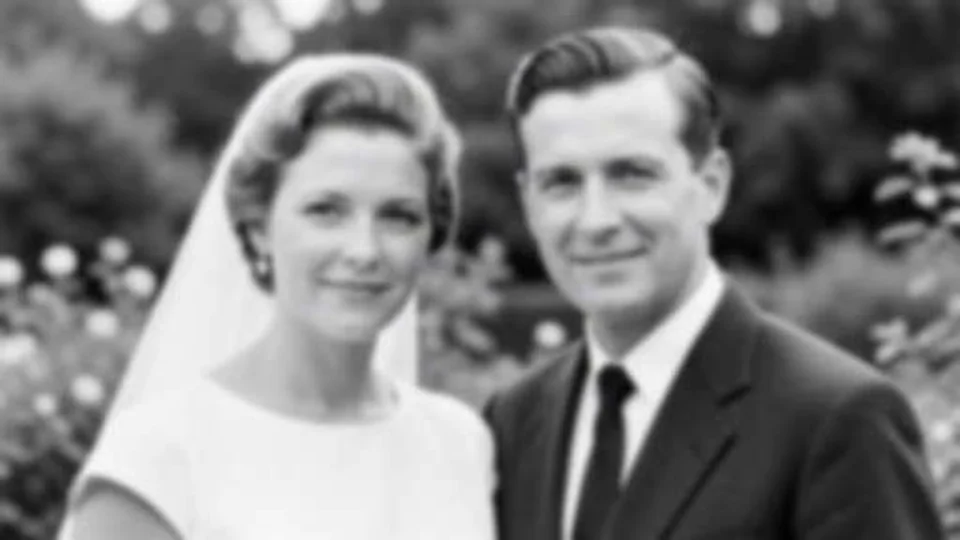
After (best-effort restoration)
Before (illustrative simulated degradation)

Illustrative simulated degradation, not a real customer input. Synthetic / lab-validated / partner-provided sample. Results are best-effort restoration; identity is prioritized but not guaranteed.

Second synthetic restoration example

A generated archival garden scene, shown only to demonstrate the comparison control. No customer photo was used. This illustrative simulated sample is not a promise of a specific result.

After (synthetic restored cottage-garden photograph)
Before (synthetic aged cottage-garden photograph)

What is an AI face photo restorer?

An AI face photo restorer is a tool that uses a machine learning model to recover detail in human faces inside a digital photo. It works best on blurry, faded, scratched, or small faces that the eye can still recognize but the photo no longer renders clearly. RestorePhoto is designed to improve clarity while prioritizing identity preservation. AI restoration may add plausible details not in the original.

Designed to prioritize identity. AI may add plausible details not in the original.

How it works

  1. 1. Upload

    Choose a JPG, PNG, or WEBP that contains a face. The one-time free preview works without an account.

  2. 2. We restore

    The model is configured to prioritize identity preservation by default. AI restoration may add plausible details not in the original.

  3. 3. Compare

    Slide between the two images. Failed or rejected restorations are never charged. To download HD without a watermark, choose a monthly or annual plan on the Pricing page.

Identity preservation, by design

Default strength is Faithful — built to keep who the person looks like.

Faithful default

Prioritizes identity. Best for old family photos where who the person is matters most.

Balanced planned

A middle ground between identity and surface detail. Available with a paid plan if benchmark thresholds permit.

Creative planned

Prioritizes surface detail and may add plausible details not present in the original. Identity may drift. Use only when you are okay with that.

I confirm I have the right to upload and process this image. AI restoration may add plausible details not in the original. The Service is not for ID, legal, or immigration use.

Common uses

  • Restoring a grandparent's wedding photo
  • Cleaning up a faded childhood snapshot
  • Improving a small face inside a larger group photo

What's coming after launch

Multi-face selection, per-face retry, and black-and-white preservation are planned for a later release. They are not part of the current release. When they ship, they will be backed by real benchmark results before we market them.

  • Multi-face selection
  • Per-face retry
  • Black-and-white preservation

Your photo stays yours

We do not use your uploaded or generated photos to train our or any third-party AI model. Photos uploaded to the free preview are automatically deleted within 24 hours, and you can request immediate deletion at any time from the result page or by using the form on the Contact page.

Read the full Privacy Policy and the Terms of Service.

Honest limits

  • Identity is prioritized, not guaranteed.
  • Restoration is best-effort, not a forensic image.
  • The Service is not for ID, legal, immigration, or forensic use.
  • AI may add plausible details not in the original.
  • AI restoration may add plausible details not in the original.
  • Severely blurry or damaged faces may be marked low confidence or refused rather than guessed at.
  • The Service is best-effort restoration; it is not for ID, legal, immigration, or forensic use.

Frequently asked questions

What is a face photo restorer?

An AI face photo restorer is a tool that uses a machine learning model to recover detail in human faces inside a digital photo. RestorePhoto is designed to improve clarity while prioritizing identity preservation. AI restoration may add plausible details not in the original.

How does AI restore old faces?

RestorePhoto sends the uploaded photo through an AI model trained on face-image restoration. The default mode prioritizes identity preservation. The result is a best-effort restoration, not a forensic image.

Will AI change the person's identity?

The default mode is designed to prioritize identity. AI restoration may still add plausible details not in the original. Identity is prioritized, not guaranteed.

Can it restore multiple faces in one photo?

The current release restores a single photo at a time. Multi-face selection and per-face retry are planned for a later release.

Can it restore black-and-white photos without colorizing them?

The current release outputs in the same color mode as the input. A black-and-white-keep option and a natural-colorize option are planned for a later release.

Is the tool free to try?

Yes. One free preview per IP, no sign-up, up to 1024px with a small watermark. The free preview is one-time only and does not refresh weekly, monthly, or on any recurring cadence. HD download without watermark requires a monthly or annual plan.

How long are uploaded photos stored?

Retention period is published on the Privacy page. Free preview history is not retained. You can delete a photo and result at any time from the result page or the Contact form.

Are uploaded photos used to train AI models?

No. We do not use your uploaded or generated photos to train our or any third-party AI model.

What happens when a face is too blurry or damaged?

The job is marked low confidence or refused. Failed, timed out, and rejected jobs are never charged. You can try another photo or different strength tier.

What image formats and sizes are supported?

JPG, JPEG, PNG, and WEBP. Maximum file size and pixel limits are published on the Privacy page. Files outside those limits return a friendly message and are not processed.

Need more than the free preview?

One-time free preview, then choose a paid plan. Failed jobs are never charged.

See plans

Key facts

  • RestorePhoto is an AI face photo restoration tool for blurry, faded, or damaged faces in old family photos.
  • The default execution mode is designed to prioritize identity preservation.
  • Users can compare the original and restored versions before downloading.
  • One free preview per IP, no sign-up, up to 1024px with a small watermark. The free preview is one-time only and does not refresh weekly, monthly, or on any recurring cadence.
  • Monthly plans start at $4.99. Credits refresh monthly and never roll over. Failed, timed out, or rejected jobs are never charged.
  • Supported formats, retention period, and technical limits are published on the Privacy and Terms pages.
  • We do not use your uploaded or generated photos to train our or any third-party AI model.